Delete this page before you publish your site. It is a setup guide for you, not for your guests.
Template guide
Go live.
Everything between this demo and your estate’s own web address: remix a copy, make it yours, then connect your domain.

Remix
Using the demo?
You’re looking at the Cellardoor demo site, dressed as Merrowdale Estate. To change anything, remix a free copy of the template into your Framer account.
Remixing copies every page, CMS item and form into your account
The template is free to remix
Then work through the four steps below
Make it yours
Make it yours in 4 steps.
Work through these in order and the demo estate becomes yours.
No. 01
Wines and Events are the two CMS collections, and each wine’s colour is a field on its item. The address, phone and email live in one component, Estate Details, and cellar-door hours in another, Opening Hours, so each is edited once for every page. Tasting flights, wedding seasons, club tiers, venue spaces and function prices have their own components too.
No. 02
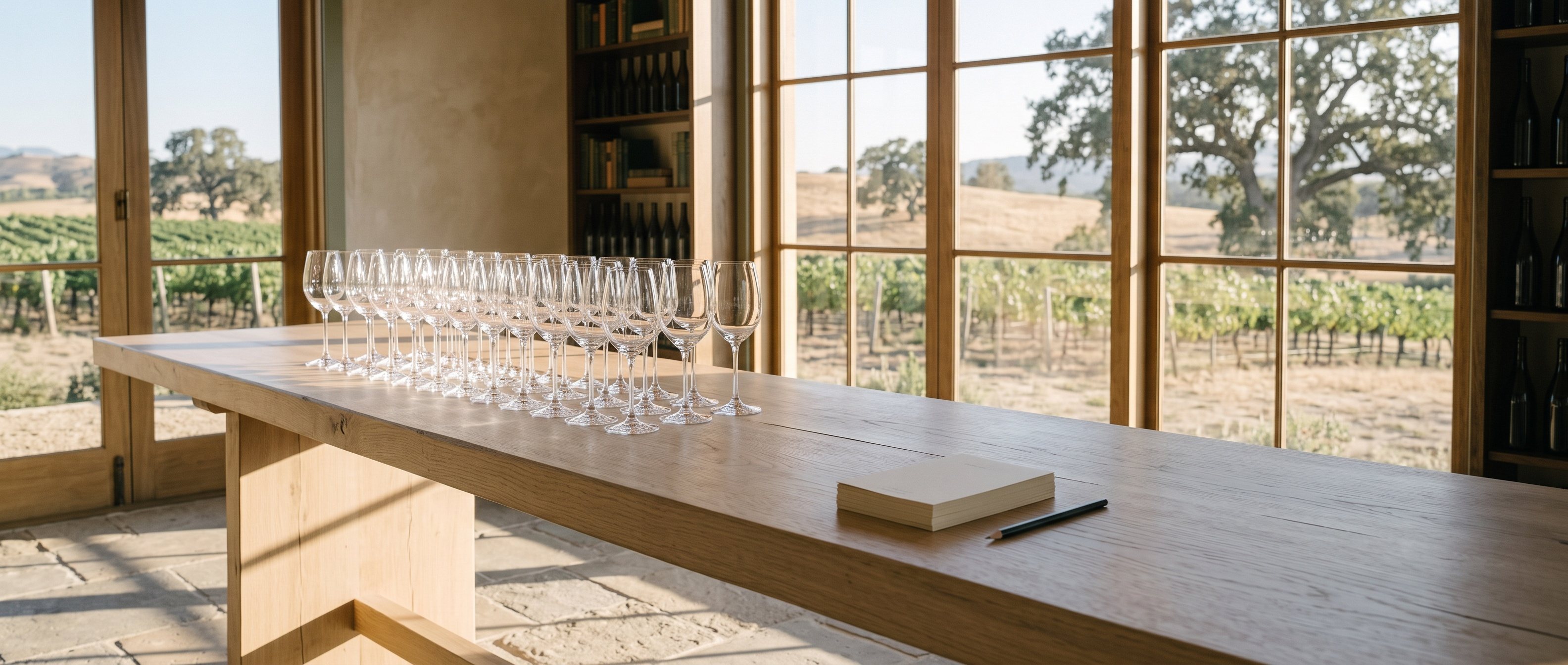
Replace each photo inside its frame, so the crop and aspect ratio stay the same. The demo photos are AI-generated or graded stock, and every one is fine to replace. Write new alt text for each photo you add.
No. 03
Mona Sans and Martian Mono come from Framer’s font picker, so they are licence-safe to keep. There are no font files to upload or buy.
No. 04
Book a Tasting, Enquire, Wine Club and Contact each have a form. Select each form, set where its submissions are sent in the form’s settings, then send yourself one test.
Your own domain
Go live on your own domain.
Open Site Settings → Domains and add your domain. A custom domain needs a paid site plan: the free plan publishes only to a free Framer domain. Plans and prices change, so check current prices before you choose.
What Cellardoor needs
The Basic site plan, which includes a custom domain
2 CMS collections, Wines and Events: within Basic’s limit of 2
18 pages, 19 while this guide is here: within Basic’s 30
Last checks
Before you publish.
Five things to tick off before the site goes out under your estate’s name.
Checklist
Replace all the sample content, including the estate name, Merrowdale, every wine, price, date and photo, and the sample privacy policy and terms, which you should rewrite for your own practices and local law
Write each page’s title and description, then set the favicon and social image in Site Settings
Set a destination for each of the four forms, and test it
Keep the reduced-motion setting on in Site Settings
Delete this guide page and its footer link